Walabi Restaurants
The system that runs your restaurant, from table to close.
Tables, orders, kitchen, inventory and cash close connected in a single operation. Each person signs in with their PIN and sees only what their job needs.
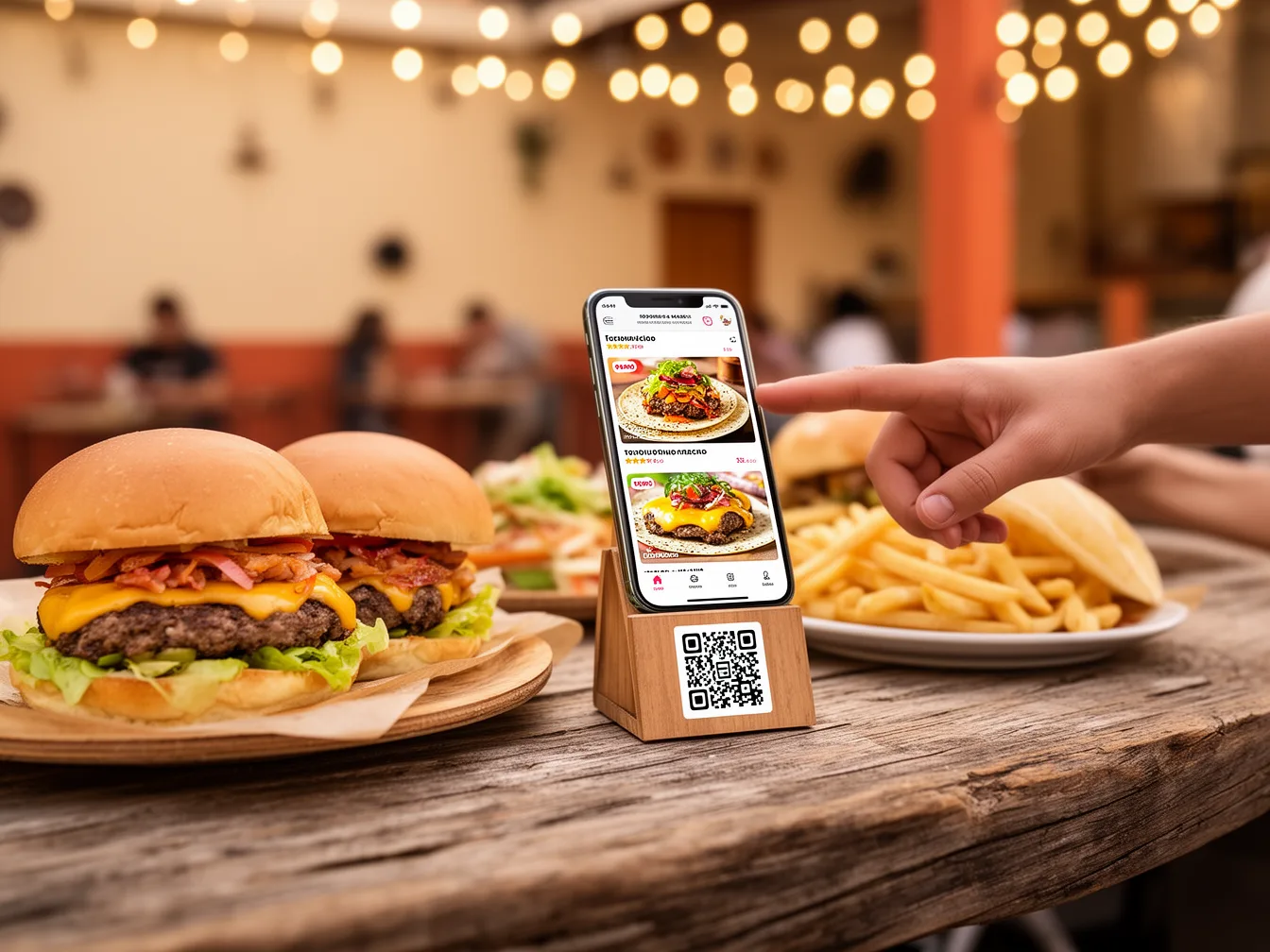
Restaurants already working this way





An ordinary day
Here is your service, start to finish.
Every action makes clear what happened and what comes next.
Open
Each person signs in with their PIN and lands straight in their work area.
Order
The server opens the table, adds the items and sends the ticket.
Prepare
The kitchen receives the order and updates each state until it is ready.
Charge
The register records one or several payments, the tip and the currency received.
Close
The manager reviews sales, cash and inventory, then runs the close.
To each their own
One view per person.
Nobody digs through menus that are not theirs. The PIN opens their screen directly, and anything outside your plan shows up locked.
Owner or manager
Overall operation, results, closes and the functions you authorize.
Server or register
Tables, orders, check, payment and tip.
Host
Floor, reservations, waitlist and seating.
Kitchen
Tickets and preparation states, full screen.
Inventory
Stock, recipes, counts, purchases and suppliers.
What it includes
Six pieces, one operation.
Dashboard
Orders and preparation states, live.
Tables
Floor, checks, reservations and availability.
Kitchen
Tickets, notes and progress on every dish.
Reservations, orders and talking to your guests.
Inventory
Stock, recipes and what you need to buy.
Finance
Payments, registers, purchases and authorized closes.
How you start
Two ways to begin.
Your daily operation
What you need to open tomorrow
Tables, orders, kitchen, payment and first close, with a simple view per role.
For restaurants that want to start with the full service flow.
Additional functions
When you want it all connected
Reservations, recipes, costs, purchases, delivery, loyalty, multi currency payments and analysis.
For operations that want to connect service, kitchen, inventory and admin.
Tables, orders and kitchen
- Your daily operation
- Included
- Additional functions
- Included
Payments and close
- Your daily operation
- Included
- Additional functions
- Included
Reservations and reminders
- Your daily operation
- Per proposal
- Additional functions
- Extended
Inventory and recipes
- Your daily operation
- Optional
- Additional functions
- Per proposal
Purchases and suppliers
- Your daily operation
- Optional
- Additional functions
- Per proposal
Delivery, loyalty and analysis
- Your daily operation
- Optional
- Additional functions
- Per proposal
You can grow later
Start with what you need today. When your operation asks for more, you extend your plan and the new functions show up after we set them up with you.
Price and exact functions go in your proposal. Tell us how you work and we put yours together.
Get my proposalAutomatic, not autonomous
The system does the legwork. Your team decides.
New ticket
The system doesShows up on the dashboard and the kitchen view.
Your team decidesConfirm preparation and notes.
Payment recorded
The system doesUpdates the check, the payment and the day summary.
Your team decidesConfirm payment method and tip.
Payment in another currency
The system doesStores the rate used and shows the result in pesos.
Your team decidesConfirm amount and currency received.
Upcoming reservation
The system doesSends the reminder if your plan includes it.
Your team decidesHandle changes or cancellations.
Low stock
The system doesFlags which supplies need attention.
Your team decidesDecide purchase or adjustment.
Scheduled close
The system doesTurns on after we validate the first closes with you.
Your team decidesReview differences and approve.
You keep control
Payments, bulk changes, closes and corrections are reviewed before they are confirmed. If something does not add up, you stop the action and ask for help.
What you get to track
- Sales for the day
- Average ticket
- Table time
- Orders by state
- Cash variance
- Cost per dish
Getting ready
From the first talk to your first service.
We learn your operation
We go over your process, team, data and goals.
We sort the information
We validate catalogs, lists, prices, roles and rules with you.
We set up your space
We turn on the chosen functions and assign the accesses.
We run a rehearsal
We walk a full operation with test data.
You start working
Your team signs in with their PIN and follows the agreed walkthrough.
You share with us
- Logo, address and hours.
- Areas, rooms and number of tables.
- Menu with categories, prices and photos.
- Whether prices already include tax.
- Staff and each person's role.
- Payment methods and currencies accepted.
- Suggested tip percentages.
- Reservation, recipe and supplier rules if they apply.
We leave it ready
- We build the map of areas and tables.
- We load the menu, categories and agreed images.
- We assign the right view to each PIN.
- We link payment methods to your registers.
- We turn on the functions included in your plan.
- We stay with you through the first service and test close.
Questions
What people almost always ask.
Does everyone see the same thing?
No. Each person signs in with their PIN and sees only the tools for their role. If an option is not in your plan, it can show up locked.
Can I start small and grow later?
Yes. You start with what you need today and extend when your operation asks for it. New functions show up after we set them up with you.
How does the cash reconcile?
Cash is always counted physically. The system compares what it expected against what the manager entered, and you review the difference before approving the close.
How is inventory calculated?
Based on sales, deliveries received, recipes, waste and recorded counts.
What if I charge in another currency?
The latest official reference available is used, and the rate applied to that sale is stored.
What do you need from me to start?
Your menu, your areas and tables, your staff with their roles, and your payment methods. The full list is above, under getting ready.
How much does it cost?
It depends on the functions you pick. Tell us how you work and we send you the proposal with the price and what it includes.
Tell us how your restaurant works.
You tell us how your floor and your kitchen run, and we put together the proposal with the functions you will actually use.