For a small restaurant in Mexico, choosing the right software can feel like a big task. Many business owners think these tools are only for large chains, but the reality is that good software can make a big difference in the daily operation of your small business, no matter its size.
The key question is not whether you need software, but which one makes the most sense for you. It is not about making things complicated, it is about organizing them. Well-chosen software helps you stop depending on Excel for inventory or notebooks for orders, so you can focus on what really matters: your customers and the quality of your food.
This article will guide you through the essential features, the types of software available and how to make the best decision for your restaurant. The goal is for your operation to run more smoothly, your customers to be happier and you to have a clear view of what is happening in your business.
Why Does a Small Restaurant Need Software?
Many people think software is only for large companies, but the truth is that a small restaurant has many processes that benefit from being organized. Imagine that in your taquería, orders are taken on paper, tortilla inventory is tracked in a notebook and balancing the register at the end of the day is a headache. Software can change that.
For example, if you have a small cafe and your baristas write orders on notes, it is easy for an order to get lost or for the final bill not to match. With a system, every order is recorded immediately, sent straight to the kitchen or bar, and charged accurately. This reduces errors, speeds up service and gives you peace of mind.
Goodbye Chaos, Hello Organization
Day-to-day work in a small restaurant is a race. From buying supplies to serving the dish, there are many steps. Without a system, disorder is common: a key ingredient runs out without warning, orders get mixed up or closing the register takes hours.
Software helps you keep everything in its place. For example, if you run a fonda, the system can alert you when tomatoes or avocados are about to run out, based on your daily sales. That way, you can place orders on time and avoid running out of ingredients for your signature dish. This lets you reduce manual follow-up and spend that time on other important tasks.
More Than a Luxury, a Need
In today's market, where customers expect speed and accuracy, software is no longer an extra. It is a basic tool. It helps you compete, offer better service and understand your business more clearly. It is not about having the most expensive option, but the one that actually works for you.
Think of a small pizzeria. If customers call to order and the person in charge has to write everything by hand, shout it to the kitchen and then calculate the change, there are many chances for mistakes. Point-of-sale software (PDV) lets you take the order digitally, send it straight to the kitchen, calculate the exact total and even manage home delivery. This not only improves the customer experience, it also gives you data to know which pizzas sell the most.
Key Features of Good Software for Your Small Business
When looking for software for your restaurant, there are basic features that should not be missing. You do not need a system with a thousand buttons you will never use, but one that solves your main problems simply. Here is what to look for:
Easy-to-Use Point of Sale (PDV)
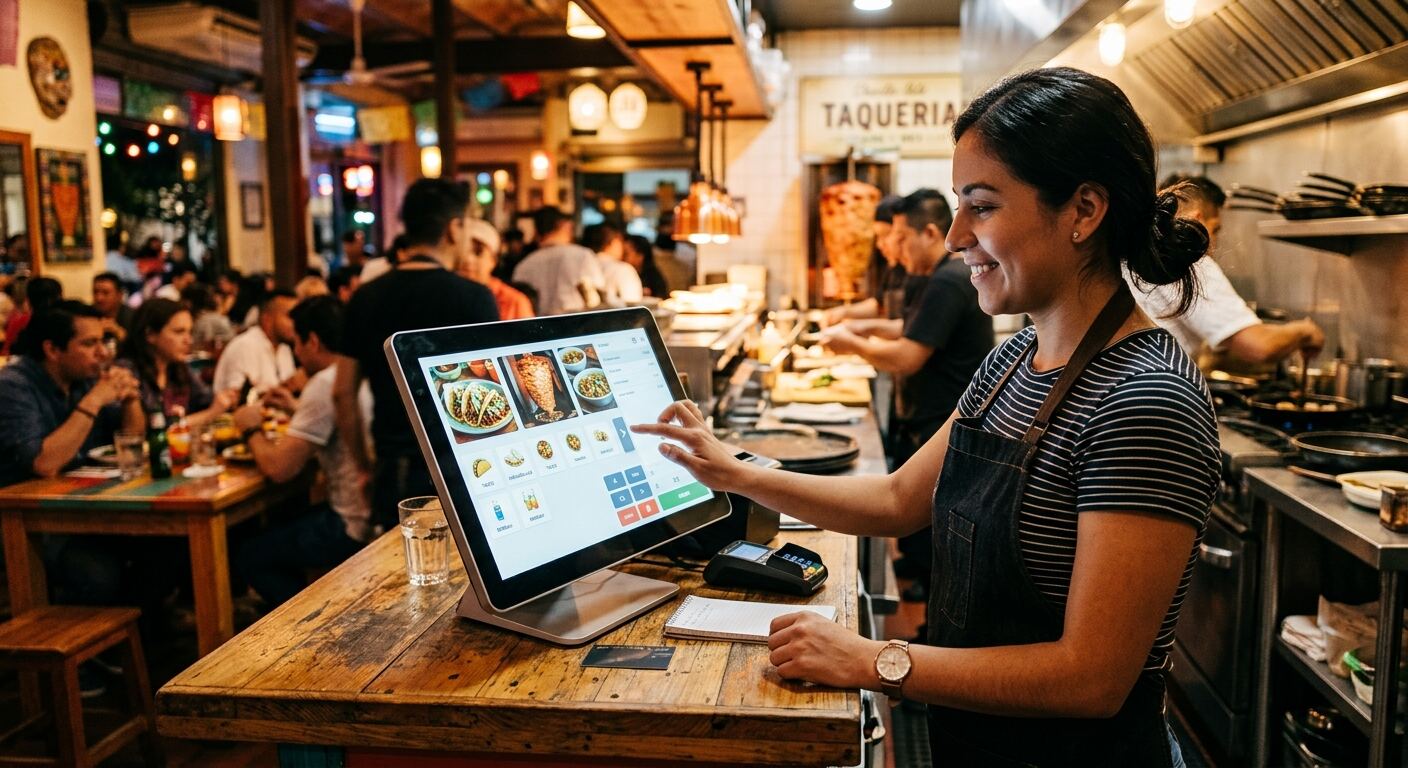
The PDV is the heart of your operation. It should be intuitive so any server or cashier can use it without complications. Imagine you have a small coffee shop. Your PDV should let you quickly ring up a coffee, a sweet bread and a juice, apply discounts if needed, and process card or cash payments without delays. A good PDV helps you connect sales, customers and reports automatically. If you want to go deeper on this topic, you can read our article about <a href="/blog/punto-de-venta-restaurante-mexico-elige-el-mejor-pdv">Restaurant point of sale in Mexico: Choose the right PDV</a>.
Inventory Control So You Do Not Lose Track
Knowing what you have and what you are missing is crucial so you do not waste product or run out. Inventory software helps you keep an accurate record. For example, if your comida corrida restaurant sells stuffed chiles, the system can automatically subtract the chiles, cheese and meat from your inventory every time one is sold. That way, you know when it is time to restock and you avoid waste. This helps you know which process makes sense to automate first in your kitchen.
Table and Order Management
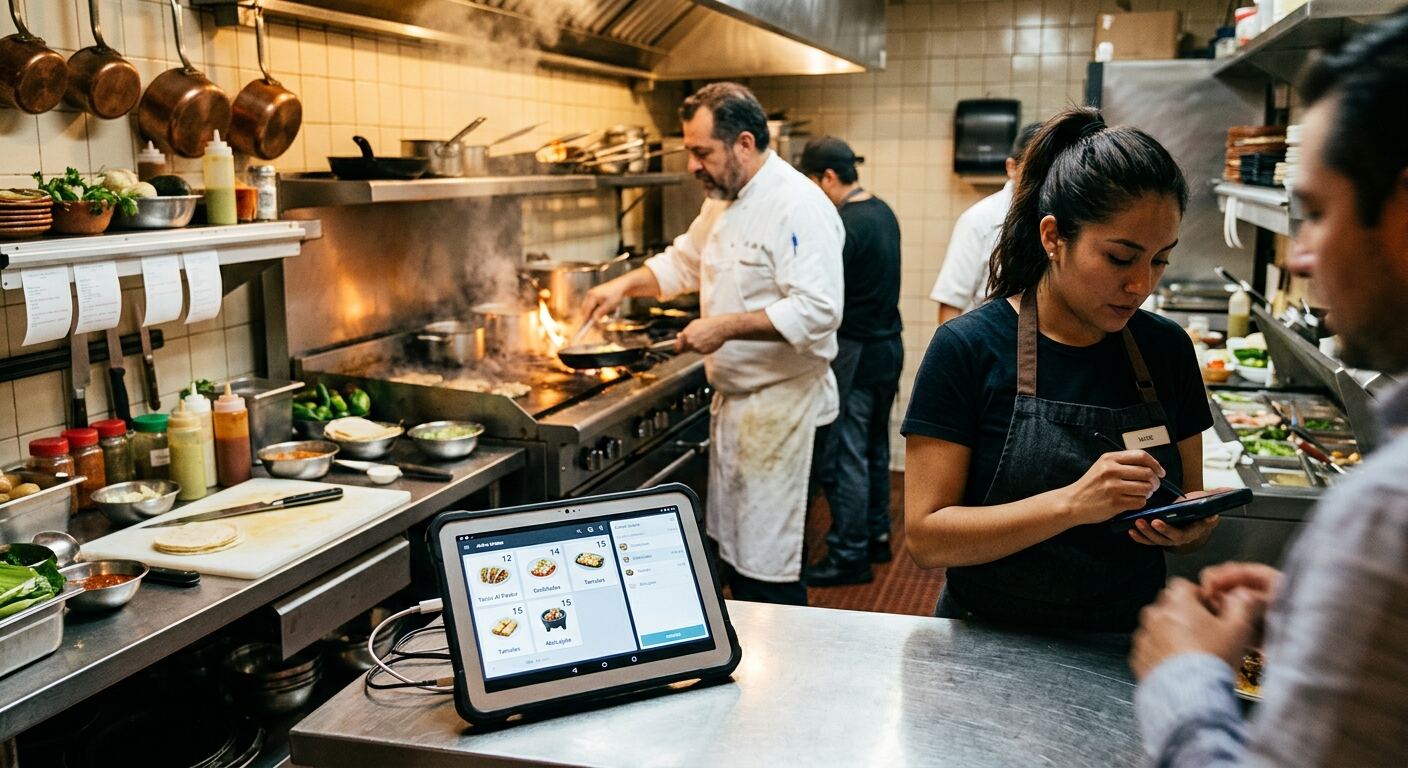
Organizing tables and orders is essential for efficient service. Good software lets you see which tables are occupied, which are free, and assign orders to each one. For example, in your seafood restaurant, the server can take table 5's order on a tablet, send it straight to the kitchen, and the cook receives it instantly. When the table asks for the check, the system already has everything recorded, avoiding errors and speeding up payment.
Simple Reports for Decision-Making
Having a lot of data is not useful if you do not understand it. Good software gives you clear, easy-to-read reports. You do not need to be a finance expert to know which dish sells the most, which days bring in more customers or which ingredient costs the most. For example, a report can show that on weekends you sell 30% more tacos al pastor than during the week, which helps you plan staff and meat purchases better. This helps you organize your operation and make informed decisions.
Types of Software: Which One Is Yours?
There are different types of software, and each has its advantages. Understanding the differences will help you choose what best fits your restaurant and the way you work.
Cloud-Based vs. Local
Cloud-based software means it works over the internet. You do not need to install anything on your computer, just use a browser. Its advantages are that you can access your information from anywhere, at any time, and updates are automatic. For example, if you have two or three juice bar locations, you can see sales from all of them on your phone. The downside is that you depend on having internet. Local software is installed directly on your computer. It works without internet, but you can only use it from that machine and updates are usually manual. For a small restaurant, the cloud is usually more practical because it is flexible.
Custom Tools vs. Generic Ones
Generic tools are ready-made programs sold to many businesses. They are cheaper at the start, but sometimes they have features you do not use or are missing specific things for your operation. For example, generic software may have a reservations module you do not need if your restaurant is fast food. Custom tools, like the ones we make at Walabi, are designed specifically for you. This means the software adapts to the way you work, not the other way around. If your torta business has a very specific process for managing special orders or deliveries, custom software can be designed around your real operation. To learn more, we invite you to read our article about <a href="/blog/software-a-medida-para-tu-pyme-conoce-sus-ventajas">Custom software for your SMB? See the advantages</a>.
How to Choose the Right Software for Your Restaurant
Choosing software is not a decision to take lightly. It is an investment in your business, so take your time and consider these points:
Define Your Needs and Budget
Before searching, make a list of what you really need. What problems do you want to solve? Do you need to control beverage inventory, manage tables or only have a PDV? Then set how much you are willing to invest. For example, if your main problem is controlling waste in your taquería, look for software with a solid inventory module that fits your monthly or yearly budget. Do not get pulled in by features you will not use.
Try Demos and Ask for References
Do not buy blind. Most providers offer demos or free trials. Use them to see whether the software is easy to use and does what they promise. Ask other small restaurant owners what software they use and how it has worked for them. For example, if you are considering a system, ask for a demo and simulate a workday: take orders, close the register, review a report. If you have questions, ask the provider. This will help you know which process makes sense to automate first and how the software adapts to your operation.
Success Stories From Mexican Restaurants
At Walabi, we have worked with several small restaurants in Mexico to design software that truly fits their operation. For example, we helped a local cafe chain connect sales, customers and reports in one system, leaving behind separate spreadsheets by location. This gave them a clear view of income and expenses in real time, and helped them make faster decisions about promotions or supply purchases. Another case was a taquería that needed a more efficient order system for home delivery. We designed software that let them manage orders from the moment they came in by phone or WhatsApp, assign them to drivers and track delivery times, reducing manual follow-up and improving customer satisfaction.